
MIKROTIK ROUTER
CONFIGURING MIKROTIK HAP AC2 & AC3 KIWIINTERNET – UFB
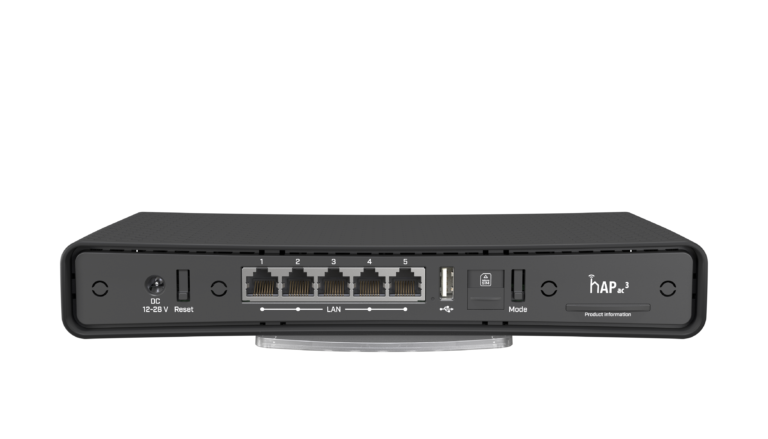
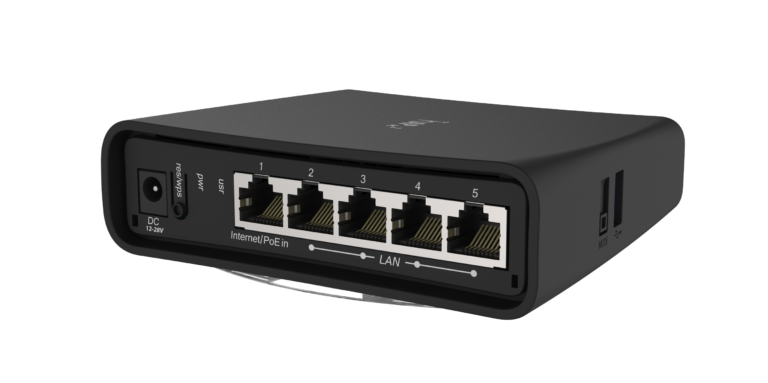
The following are instructions on how to configure Mikrotik hAP AC2 & AC3
1. Enter Mikrotik’s IP address into your web web-browser IP number (192.168.88.1)
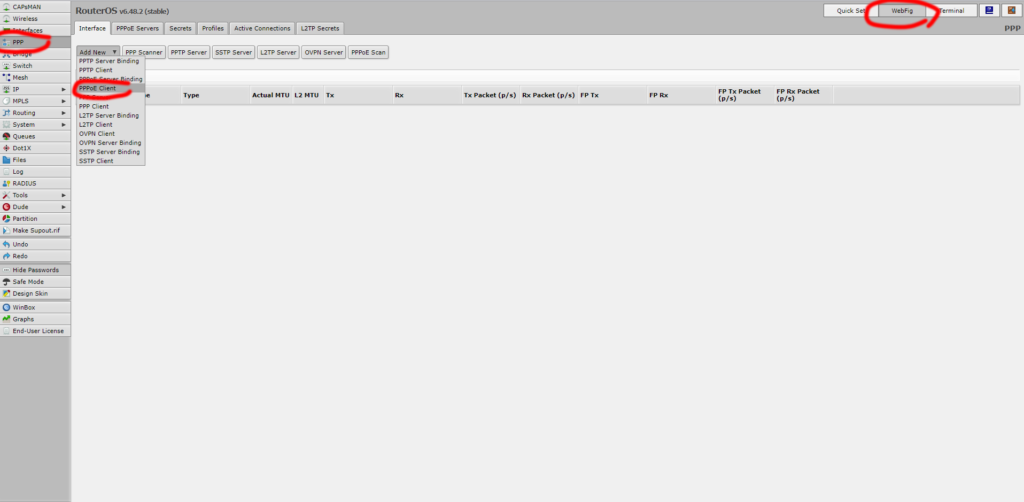
2. Setting up the UFB connection with PPPoE
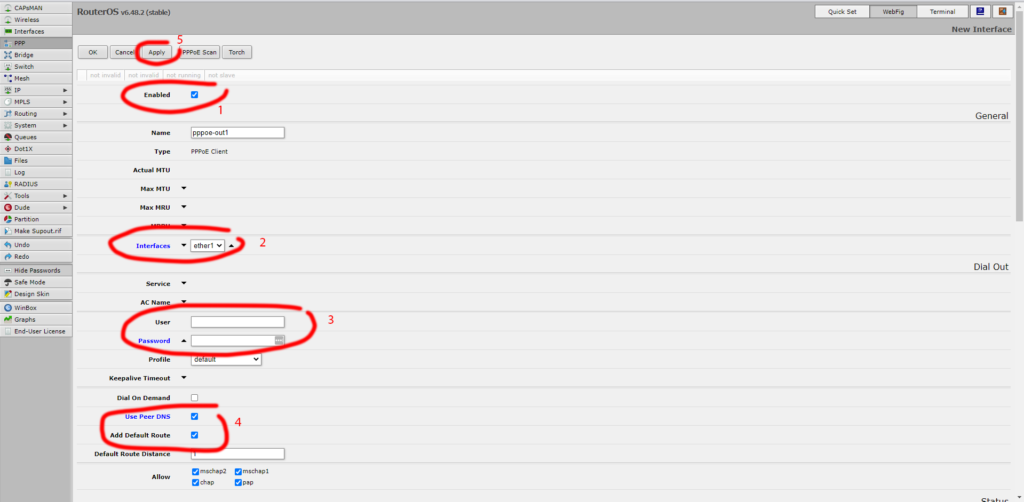
Fill in the gaps with the information we will give you to get the internet running on your router putting the right username and password for the connection.
Remote access Once this is done we will remotely finish the configuration for you.
BUNDLE PLAN TERMS AND CONDITIONS: Price exclusive of GST. No term contracts, 30-day notice period applies Set up costs may apply depending on type of internet available. Hardware not included. View more…